How do I log events on the receiver when using Dexcom G7 CGM?
How do I log events on the receiver?
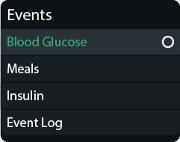
To add an event:
- Go to Menu > Events
- Select the event you want to add and follow the instructions on the screen.
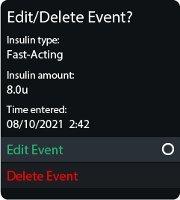
To edit or delete an event you logged:
- Go to Menu > Events > Event Log
- Scroll to the event you want to edit or delete, select Next, and follow the instructions on the screen.
This applies to both Dexcom G7 and Dexcom G7 15 Day CGM Systems.
MAT-1042