Where can I see past events logged in the Dexcom G7 app?
You can see the events you’ve tracked on your display device.
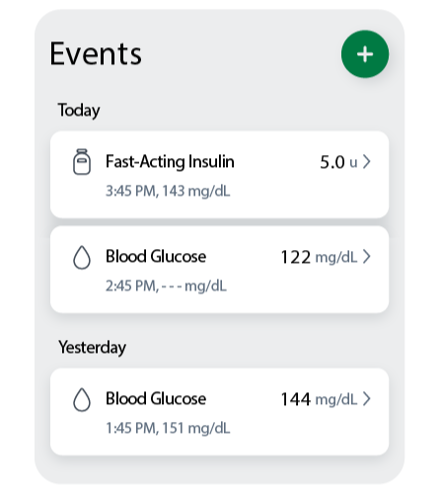
In the app, navigate to the History tab, and you’ll see a list of the events logged in the last 3 days.
In the app, navigate to the History tab, and you’ll see a list of the events logged in the last 3 days.
Events you have logged in your G7 app will be available in your Dexcom Clarity reports when your data is updated from your Dexcom G7 device.
This applies to both Dexcom G7 and Dexcom G7 15 Day CGM Systems.
Was this article helpful?


MAT-1042