
What to Do If You’ve Lost Your Dexcom Sensor Code
Each Dexcom sensor has a 4-digit code printed on the adhesive patch or applicator. Dependent on which Dexcom system you are using this 4-Digit code has a different function
4-Digit Pairing Code
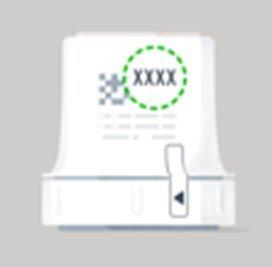
4 Digit Calibration Code
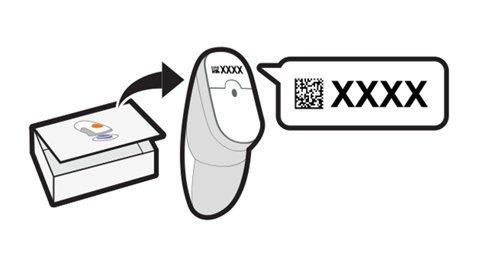
A pairing code pairs the sensor with receiving device
A calibration code pairs the sensor with the receiving device, but this code is also essential for accurate sensor performance and determines whether calibration is required.
Dexcom G7 / ONE+
The 4 digit codes on the Dexcom G7 and Dexcom ONE+ are pairing codes.
If you lose the sensor code for Dexcom G7 or ONE+:
- You cannot start the sensor session.
- You must use a brand-new sensor.
- Do not reuse a code from another sensor or make one up—this may result in inaccurate readings or sensor failure.
Unfortunately, the sensor code is required to use your Dexcom system. If you have lost your sensor code, you will have to use a brand-new sensor.
Dexcom G6 / ONE
The 4-digit codes on the Dexcom G6 and Dexcom ONE are calibration codes.
If you lose the 4 digit sensor code for your Dexcom G6 or Dexcom ONE sensor, you can still use the sensor by manually calibrating it - as long as your transmitter is already paired to the app.
To do this, make sure your transmitter is paired using the 6 digit transmitter serial number (SN).
- The 6 digit transmitter SN is different from the 4 digit sensor code and can be found:
- On the side of the transmitter box, or
- On the back of the transmitter itself
- When asked to enter the code, choose the “No Code” option to use manual calibration.
- Calibration schedule:
- Twice after the 2-hour warmup
- Again at 12 hours
- Again at 24 hours
- Then once every 24 hours thereafter
MAT-12356