
Managing Diabetes
Simple Tips to Help Your Dexcom G7 Sensor Stay On
Published: Oct. 10, 2026
Updated: Nov. 9, 2026
5 min read
The content in this article should not be taken as medical advice. Please consult with your healthcare provider regarding your individual health needs.
The Dexcom G7 and Dexcom G7 15 Day Continuous Glucose Monitoring (CGM) Systems use a medical-grade, pressure-sensitive, acrylic-based adhesive on the sensor patch—designed to help your sensor stay in place for the full wear period. But let’s be real: life happens!
Whether you accidentally bump into something, catch your sensor on a shirt or towel, or just have an active day, there’s always a chance your sensor might come loose or fall off before the session ends.
Your guide to G7 sensor adhesion success
A little extra prep can go a long way in helping your Dexcom G7 or G7 15 Day sensor stay on for the full wear period. Here are some helpful tips to set yourself up for success:
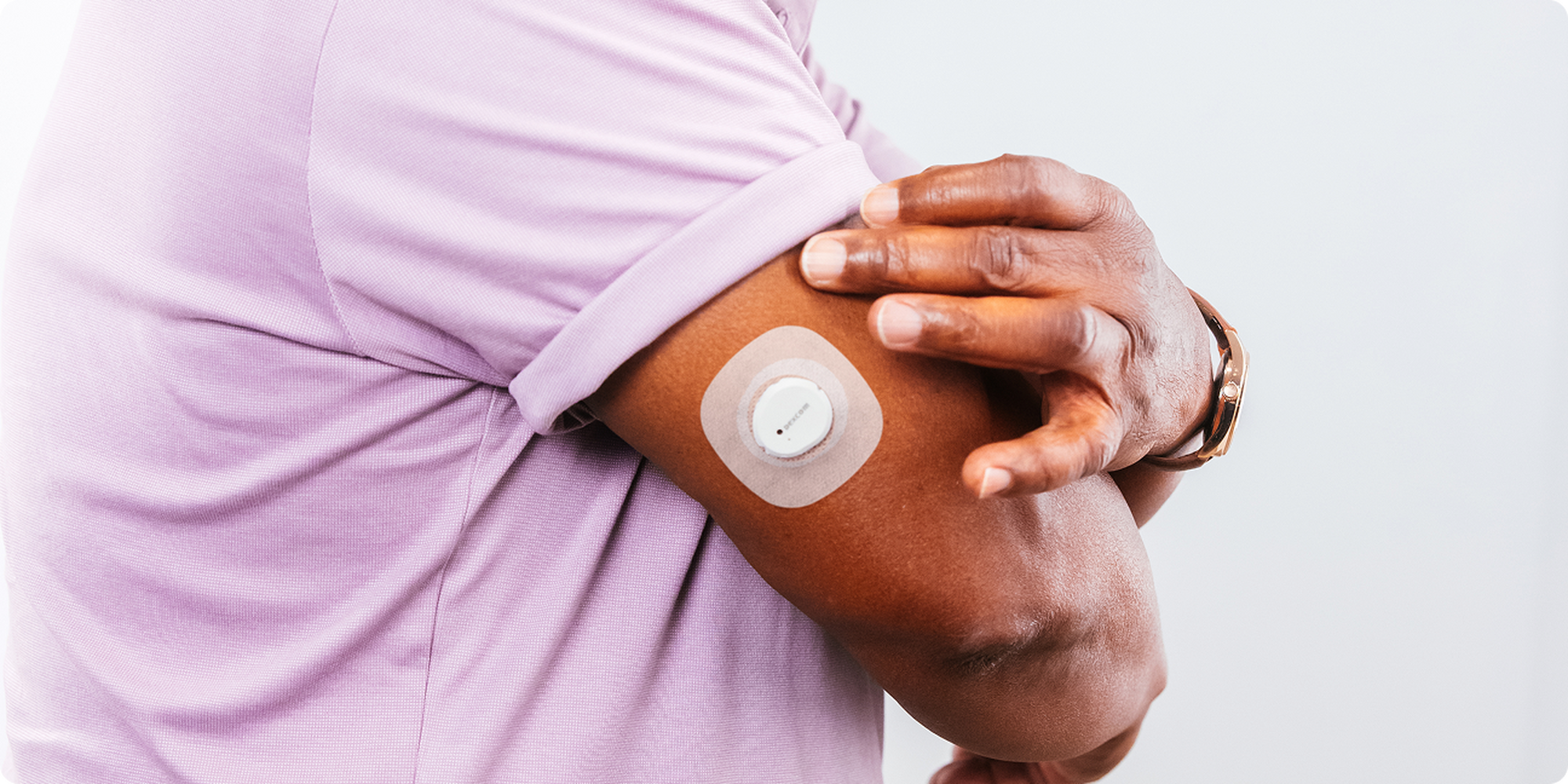
Prep like a pro: getting your sensor site ready
• Site prep: Sensor site should be flat, clean, and completely dry before you insert the sensor. There should be some fat under the skin at the sensor site. Avoid spots where your skin folds or creases—those can make it harder for the patch to stick.
• Clean and dry is key: Make sure the site is clean, dry, and free of lotions or oils before inserting your sensor. Moisture is the enemy of good adhesion!
• Avoid hair: Less hair = better stick. If needed, trim the area with electric clippers (not razors) to avoid irritation.
• Say goodbye to old adhesive: Remove any adhesive residue from previous sensors. Consider using a skin-safe adhesive remover like Uni-solve, Webcol, or Remove to start fresh.
• Rotate your sites: Don’t reuse the same spot back-to-back. Give your skin a break and switch it up each time.
• Moisturize between sessions: Healthy skin holds better! Moisturize between sensor wears—but skip it on insertion day to keep the site clean and dry.
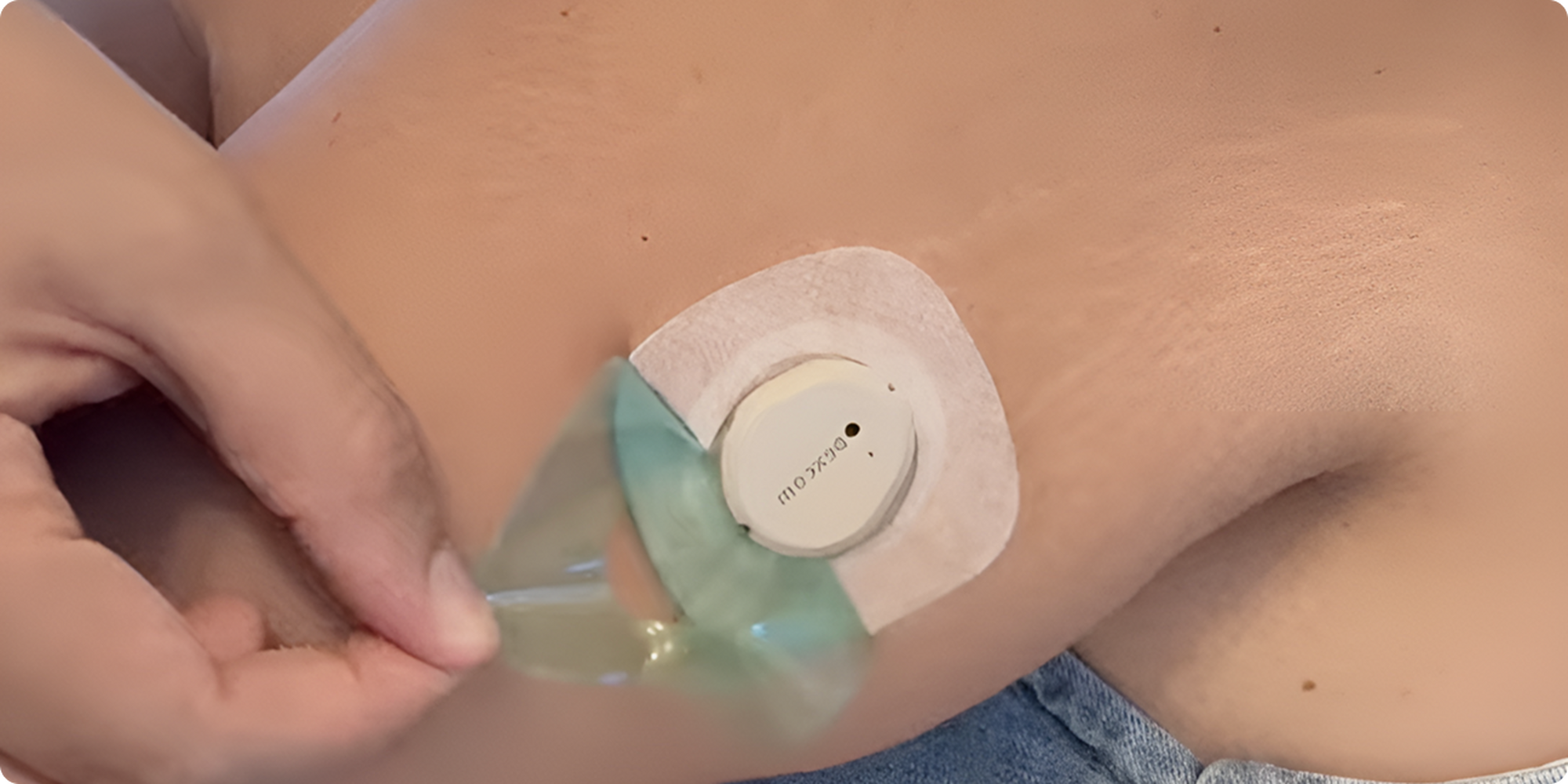
Patch care 101: helping your sensor to stick
• First 12 hours = prime time: The longer you keep your sensor dry and sweat-free early on, the better it’ll stick.
• Keep dry: If your sensor gets wet,* don’t stress - just gently pat it dry. Avoid rubbing or using heat to dry it off.
• Maintenance: If the patch starts peeling at the edges, trim the loose bits and secure it with medical tape. It’s a quick fix that can keep things on track.
• Smooth application for a stronger hold: Wrinkles can mess with adhesion. Ask a friend for help or use a mirror to apply your optional CGM sensor overpatch smoothly and evenly.
Use extra adhesive if needed
Everyone’s skin and lifestyle are different. What works wonders for one person might not for another. Be patient and open to trying different approaches until you find what works best for you.
Our Dexcom Care team is here to help and can provide suggestions for you to try if you are having challenges.
Your local pharmacist may also have suggestions of products available that may help.
*The Dexcom G7 and Dexcom G7 15 Day sensors are waterproof and may be submerged under eight feet (2.4m) of water for up to 24 hours without failure when properly installed.