
Dexcom CGM Explained
New Dexcom G7 15 Day CGM: Easy to use, Longer Wear Time, More Accurate
Published: Dec. 1, 2025
Updated: Dec. 17, 2025
7 min read
The content in this article should not be taken as medical advice. Please consult with your healthcare provider regarding your individual health needs.
Managing diabetes means staying on top of your glucose levels every day, and Dexcom G7 makes that easier. With real-time readings, no fingersticks‡ or scanning, and now a longer wear time, the Dexcom G7 15 Day Continuous Glucose Monitoring (CGM) System delivers the accuracy you expect with fewer interruptions. It’s our most convenient CGM yet.
‡Fingersticks required for diabetes treatment decisions if symptoms or expectations do not match readings.
After a type 1, type 2, or gestational diabetes diagnosis, managing your food choices, staying active, and keeping your glucose levels in range become daily priorities. But understanding how food and activity affect your
glucose—and knowing when and how to adjust insulin or medications—can
be challenging without the right tools.
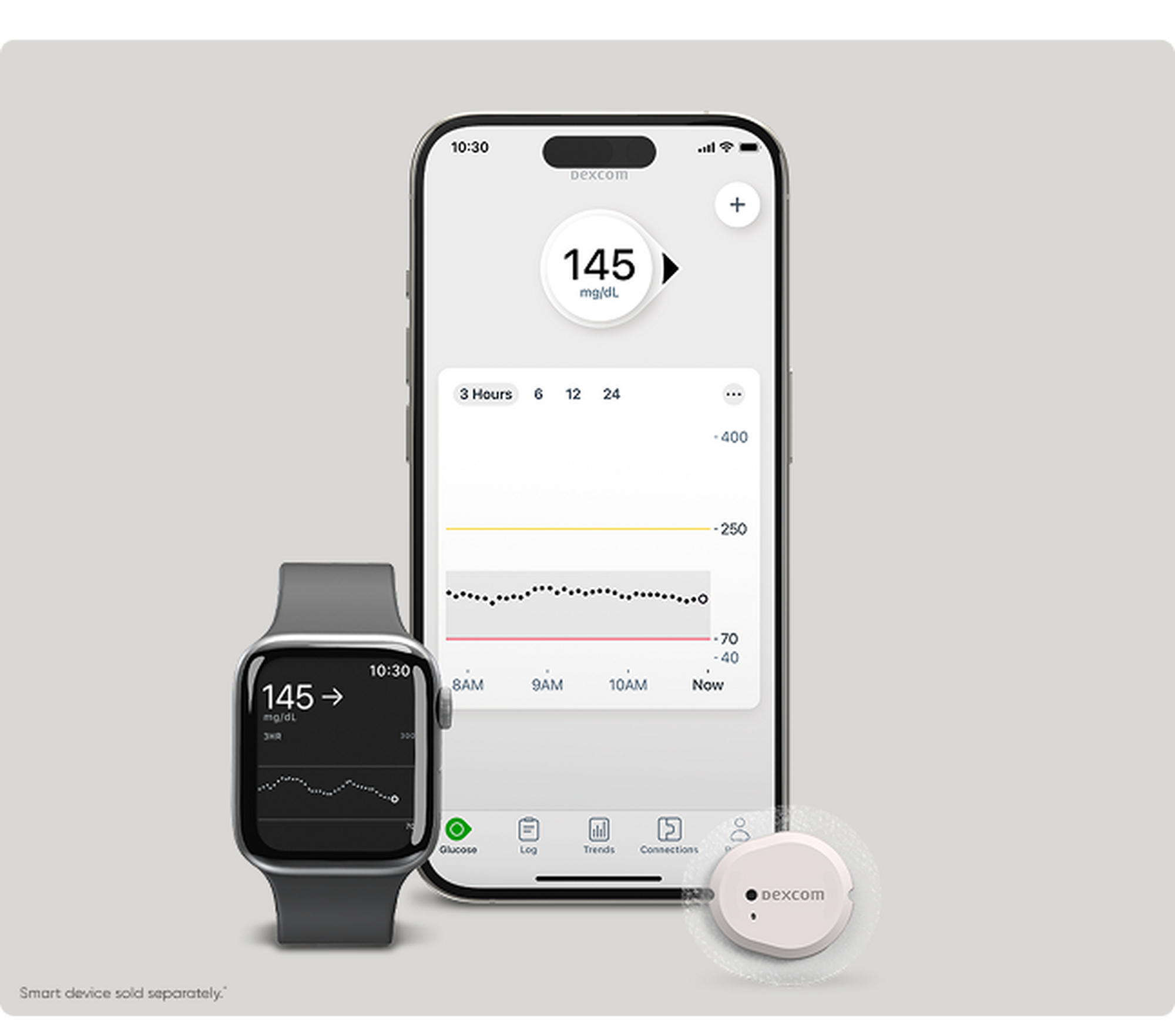
That’s where Dexcom G7 comes in. It continuously tracks your glucose levels day and night, sending real-time alerts when your levels go too high or too low. The small, discreet sensor worn on the arm measures glucose every five minutes and delivers the data to your smartphone,§ smart watch,|| or receiver.
Dexcom CGM is clinically proven to lower A1C and increase time in range.2-6 And now, with Dexcom G7 15 Day, you get the same industry-leading accuracy1 with fewer sensor changes, making diabetes management even more seamless.
Dexcom G7 gets an upgrade: 15 days of continuous wear
Since its launch, Dexcom G7 has set the standard as the most accurate1 and easy-to-use CGM system.7 The new Dexcom G7 15 Day builds on that same trusted accuracy and proven outcomes2-6—now with even more convenience.
Here’s what’s new with Dexcom G7 15 Day:
- Longer wear time: The sensor sets a new standard with an industry-leading wear time of up to 15.5 days (including a 12-hour grace period)*,† which is about 50% longer than the 10.5 days with Dexcom G7. This extended wear means fewer sensor changes, fewer interruptions, and less waste each month, giving you more convenience and confidence in your daily routine.
- Improved accuracy: Dexcom G7 15 Day delivers our most accurate performance yet,1 with a mean absolute relative difference (MARD) of 8%, an improvement over the 8.2%5 with Dexcom G7 (the lower the number, the better!). That means even more confidence in your glucose readings when making critical decisions.
- Who it’s for: Dexcom G7 15 Day is indicated for adults 18 years and older, while Dexcom G7 is still for ages two years and up.
- Quick Warm Up: A new algorithm powers those extra 5 days of wear, with just a 60-minute warm-up so you can get started quickly and stay connected longer.
Dexcom G7 15 Day makes glucose monitoring simpler and more convenient
by reducing the number of sensors you need each month from three to just two. That means fewer insertions, less waste, and more comfort in your
daily routine.
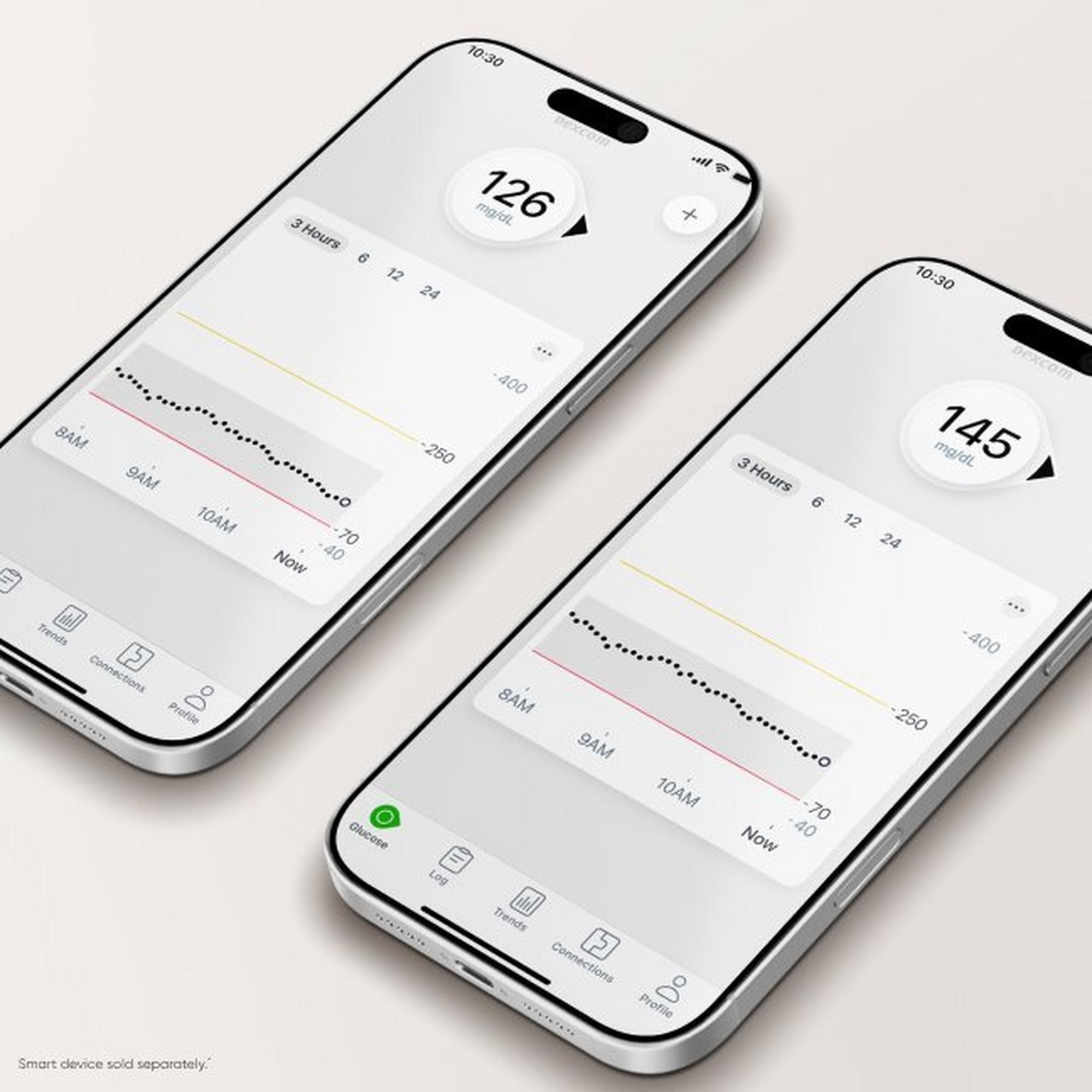
Like the original Dexcom G7, Dexcom G7 15 Day allows you to view your glucose trends right on your phone,* helping you make informed decisions to improve A1C and increase time in range.2-6 It uses the same app available on the App Store and Google Play, and if you use a receiver, you can keep it—just update the software at dexcom.com/clarityapp.
You’ll still get all the features you love using, including customizable alerts for highs and lows, the ability to share data with up to 10 people,¶ and seamless integration with Apple Watch,# automated insulin delivery systems,** and popular digital health apps. Plus, Dexcom Clarity works the same, so there’s no need to re-register or reshare with your doctor; your data and connections stay intact.
How to get the Dexcom G7 15 Day CGM System
New to CGM? If you’re not currently using a CGM system, you’ll need a prescription from your doctor to get started.
Already using Dexcom G7? If you want to upgrade to Dexcom G7 15 Day, you may need a new prescription. Here’s what to do based on how you receive your supplies:
- If you order through a medical device distributor: Contact your distributor and request Dexcom G7 15 Day for your next eligible order. If a new prescription isn’t required, they can update your order immediately; if one is needed, your distributor will work with your doctor to get the necessary paperwork.
- If you get supplies from a pharmacy: Ask your doctor to send a new prescription for Dexcom G7 15 Day to your pharmacy. If you recently filled a Dexcom G7 prescription, check with your insurance provider to confirm when you’re eligible for your next refill. Your pharmacy can only process the new order once that window opens.
Cost and coverage:
Individual pricing will vary based on your insurance coverage. We’re actively working to secure broad access, with the goal of achieving equal insurance coverage for Dexcom G7 15 Day as quickly as possible. Once coverage is in place, the monthly cost should be the same as Dexcom G7. If you’re already using Dexcom G7 and switch to Dexcom G7 15 Day, your copay is expected to remain the same.
If you’re on Medicare,‡‡ a Dexcom receiver is required for coverage. For new Medicare patients, your medical device supplier will provide a receiver when you start using the Dexcom G7 15 Day. If you’re an existing Dexcom user, your current receiver will work with the 15 Day sensor after a quick software update. To update, visit dexcom.com/clarityapp on a desktop computer, log in, connect your receiver, and follow the on-screen instructions.
Dexcom CGM Systems are available through pharmacies and medical device distributors with a prescription. For those without coverage, there are several ways to save. Visit the Dexcom Savings Center to explore programs that can help reduce costs. If you’re new to Dexcom, complete our
Get Started form for a free benefits check.
If you don’t have CGM coverage, our Pharmacy Savings Program can help you save over $210 per month.§§
For questions or assistance, contact Dexcom Customer Support at 1-888-738-3646, Monday through Friday, 6 am–5 pm PST.
Get started on Dexcom G7
If you are living with diabetes and not using a CGM system, we
can help get you started. Click the button below to send us some
basic information.
*A study was conducted to assess the sensor life where 73.9% of sensors lasted the full 15 days. In other words, when using the product per the package labeling, approximately 26% of sensors may not last for the full 15 days. †Excludes implantable CGM systems. §Smart device sold separately. For a list of compatible devices, visit dexcom.com/compatibility. ||Smartphone required to display readings on watch. ¶Separate Follow app and internet connection required. #Compatible smartphone is required to pair a new Dexcom G7 sensor with a compatible Apple Watch. To use Share/Follow the smartphone must be within 33 feet of the Dexcom G7. **To learn more about insulin pump integrations and compatibility with Dexcom CGM Systems, visit dexcom.com/integrate. ‡‡Medicare covers Dexcom CGM for patients who meet the Medicare coverage criteria. For the full list of Medicare coverage criteria, visit the Centers for Medicare and Medicaid services website. §§Savings based on $200 off retail cash price of monthly sensor pack and $200 off transmitter over 3-month period.
1 Dexcom, data on file, 2025. 2 Beck, RW, et al. JAMA. 2017;317(4):371-378.
3 Beck RW, et al. Ann Intern Med. 2017;167(6):365-374. 4 Martens T, et al. JAMA. 2021;325(22):2262-2272. 5 Garg SK, et al. Diabetes Technol Ther. 2025;27(6):413-502. 6 Welsh JB, et al. J Diabetes Sci Technol. 2024;18(1):143-7. 7 Dexcom G7 User Guide.
BRIEF SAFETY STATEMENT: Failure to use the Dexcom Continuous Glucose Monitoring System and its components according to the instructions for use provided with your device and available at https://www.dexcom.com/safety-information and to properly consider all indications, contraindications, warnings, precautions, and cautions in those instructions for use may result in you missing a severe hypoglycemia (low blood glucose) or hyperglycemia (high blood glucose) occurrence and/or making a treatment decision that may result in injury. If your glucose alerts and readings from the Dexcom CGM do not match symptoms, use a blood glucose meter to make diabetes treatment decisions. Seek medical advice and attention when appropriate, including for any medical emergency.
MAT-11323