
What can I find on the Trends tab of my Dexcom G7 app?
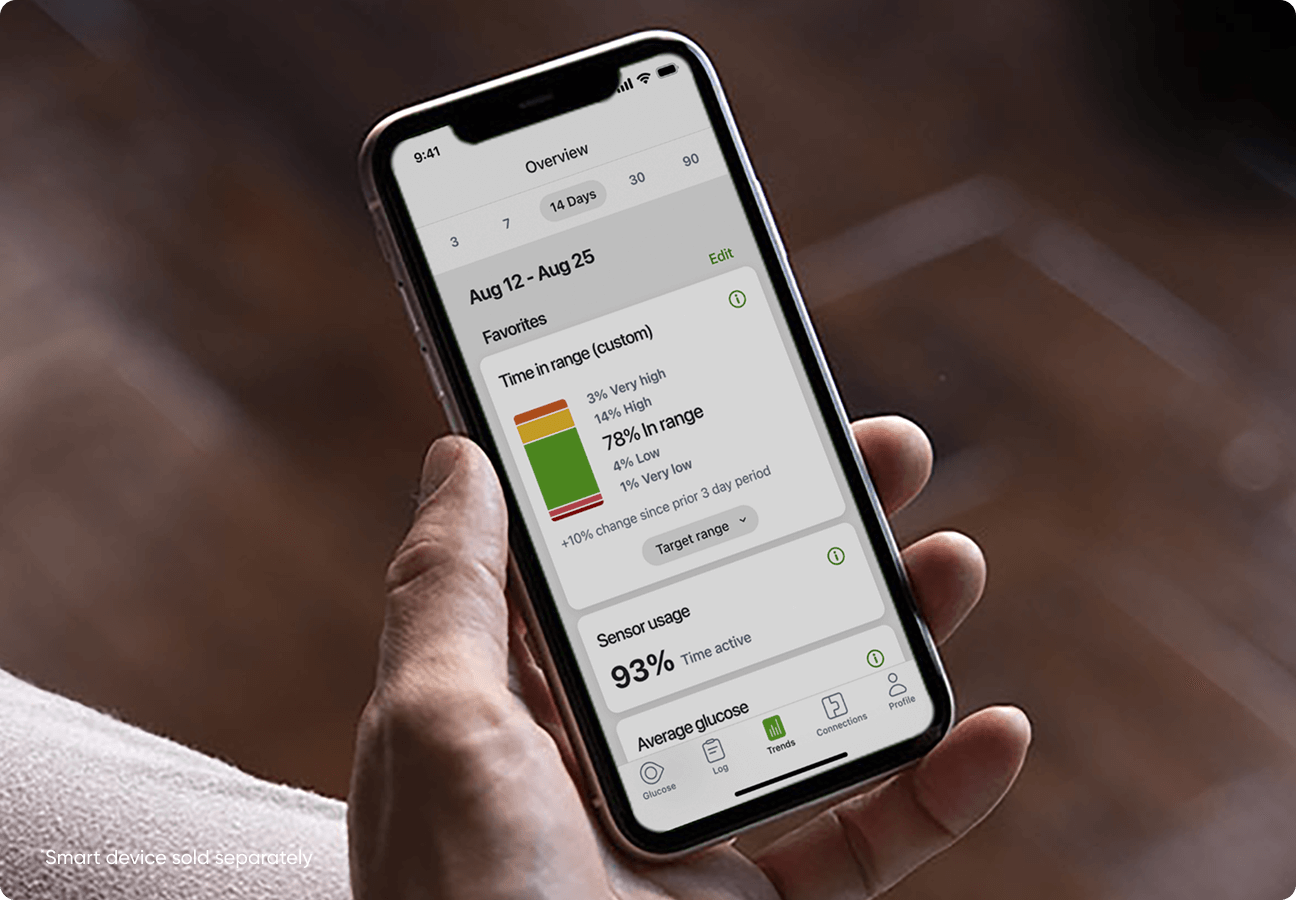
The Trends tab is the home for a variety of information that helps you and your healthcare provider better understand your glucose patterns over time.
Currently the trends tab has the following data:
- Time in range: See how much of the time your glucose is within your target range. This is one of the most important metrics for daily diabetes management.
- Average glucose: Track your average glucose levels over customizable timeframes.
- GMI (Glucose Management Indicator): Get an estimate of your A1C based on your CGM data that you and your doctor can use to make more informed decisions.
- Logged insulin doses: Review your logged insulin doses, making it easier to spot patterns that you can share with your doctor during appointments.
- Customizable timeframes: View your data over 3, 7, 14, 30, or 90 days so you can see trends and changes over time.
You can also show this information to your healthcare provider on your mobile device during a clinic visit, making it easy for your provider to review your data.
Future updates will include additional data and customizable views.
Applies to both Dexcom G7 and Dexcom G7 15 Day CGM Systems